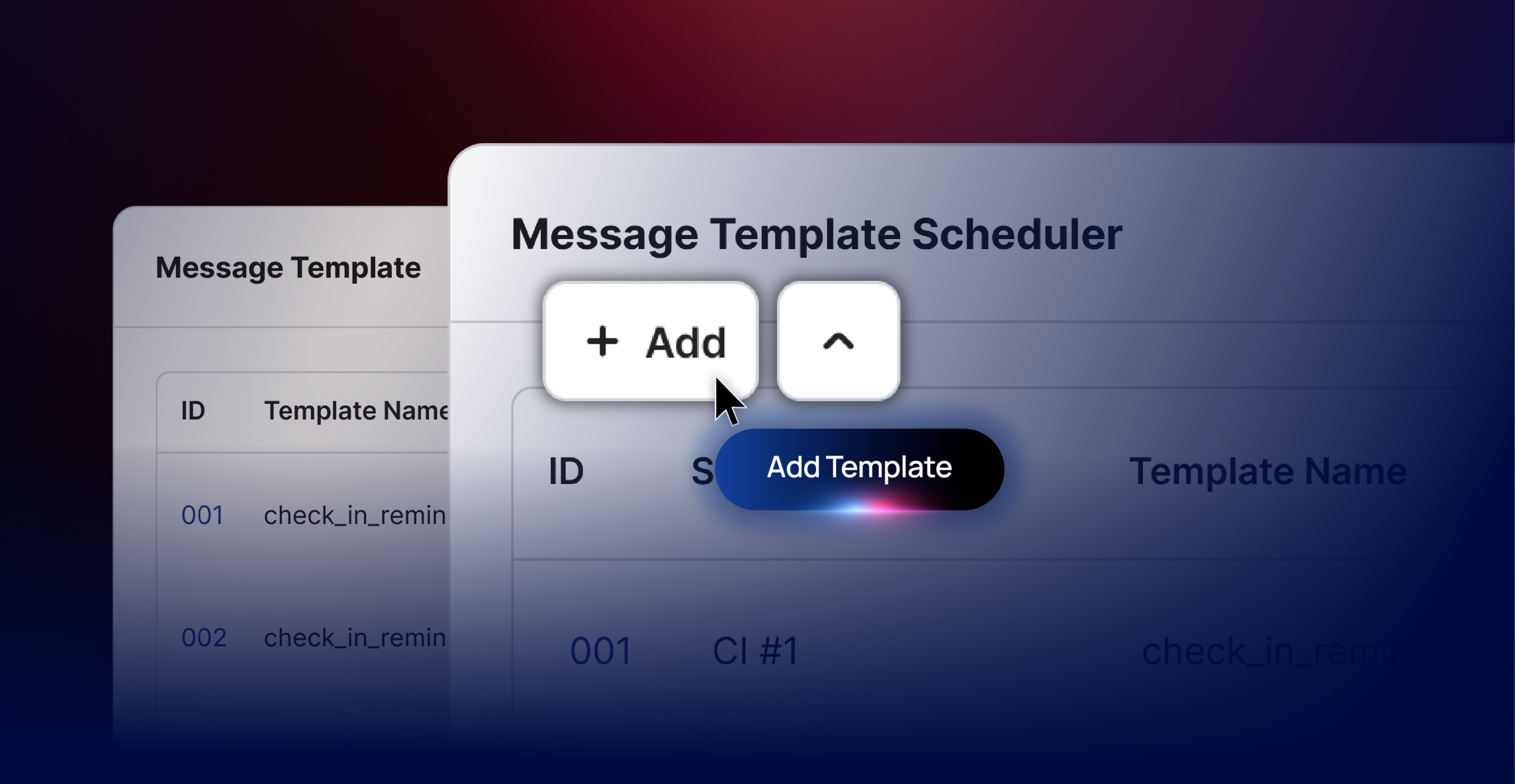
You no longer need separate message templates for each property. Now, one set of message templates can be used across all your properties, saving you time and ensuring consistent guest communication.
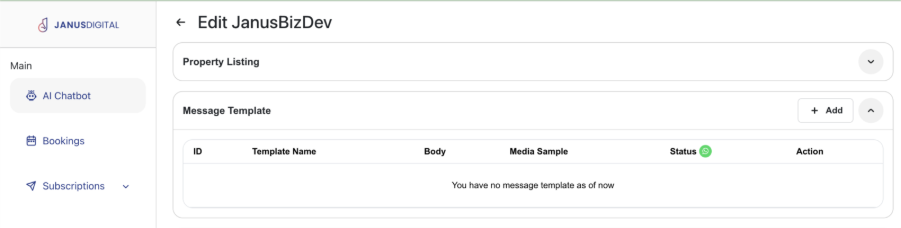
Go to AI Chatbot > select “Your Chatbot” > Choose “Message Template”
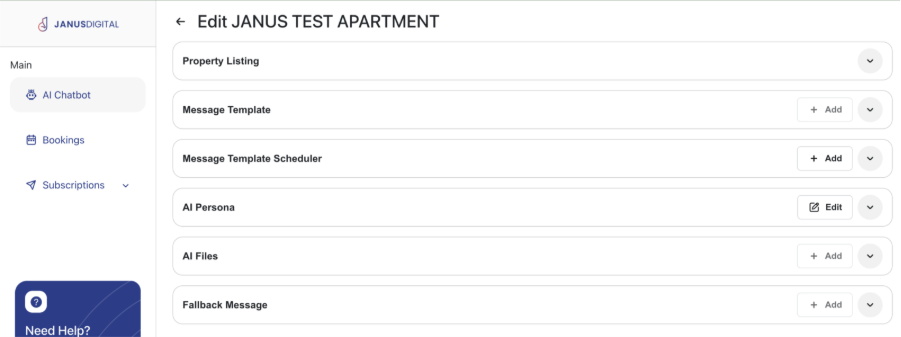
✅ Click on “+Add” to add new Message Template.
In Janus there are 2 types of connections:
- Janus WhatsApp Connection (unofficial WhatsApp)
- WhatsApp Cloud API Connection (WABA Official)
✅ Click the “+Add” button to start populating schedule message template
Note:
1. Each chatbot only allow up till 8 Message Template
2. For better message delivery, we suggest to opt for WhatsApp Cloud API
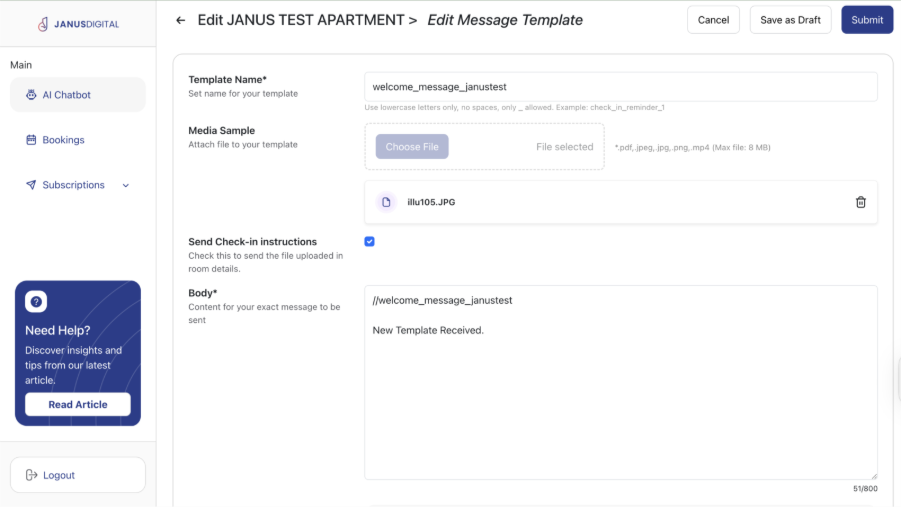
- Template Name
- Enter the template name. Use lowercase letters only and replace spaces with _
- Example: welcome_message
- Media Sample
- Upload media files (image, PDF, or video) to be sent together with the message template.
- Send Check-in Instructions
- Enable this option if you want to include room or property-related media (e.g. check-in guide, house rules) together with the scheduled message.
- Body
- Enter the message content that will be sent to your guest.
- You may include common dynamic keywords to personalise the message.
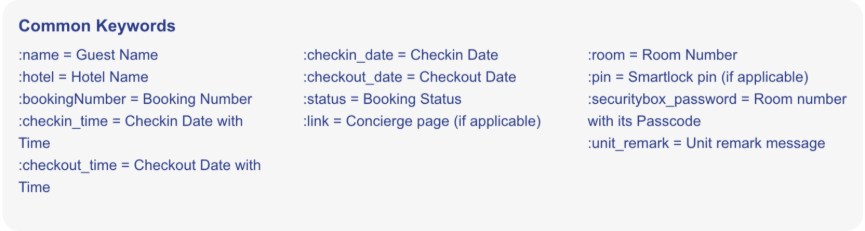
✅ Once done, you may click “Save as Draft” or “Submit”
| Note: If you are still in the process of preparing your chatbot, please click “Save as Draft”. This ensures the message will not be sent to the public until it is ready. |
If you are seeing “Submit to META”, mean you had connected to WhatsApp Cloud API.
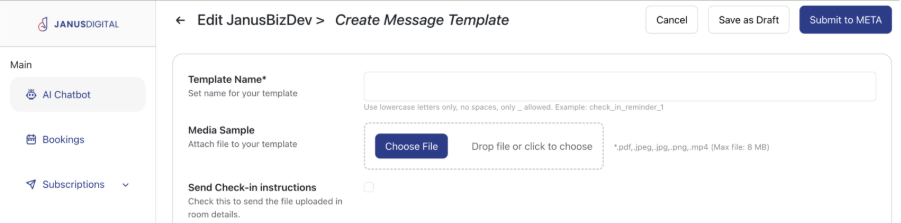
✅ Clicking on “Submit to META” is to submit your Message Template to META aka Facebook for approval.
| Note: 1. Approval process takes up to 24 hours or sometimes longer, please plan accordingly for META submission to avoid disruption in operation. 2. No Payment tied mean no message sent, so just be sure your payment method is updated too. |
This is NEW! – Internal Remark*
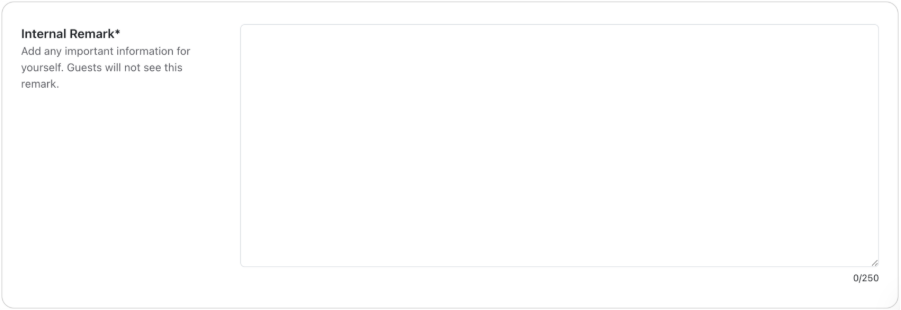
This section is just for you and your team 👀
Use it to leave notes about the message’s purpose or intent. Since memories fade over time, these remarks act as a quick reminder of why this template exists—saving everyone from guessing later 😄
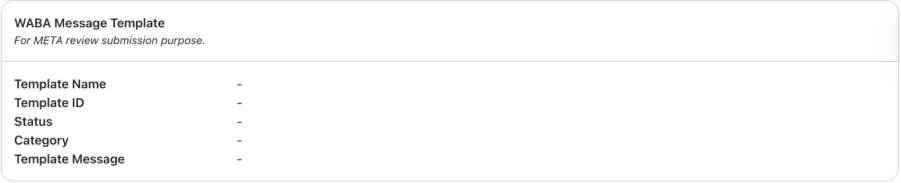
WABA Message Template Status
If your account is connected to the WhatsApp Cloud API, this section shows the current status of your message template for your reference.
Each time you update the message template, it will automatically trigger a new submission to Meta for approval, and the status will be updated accordingly.