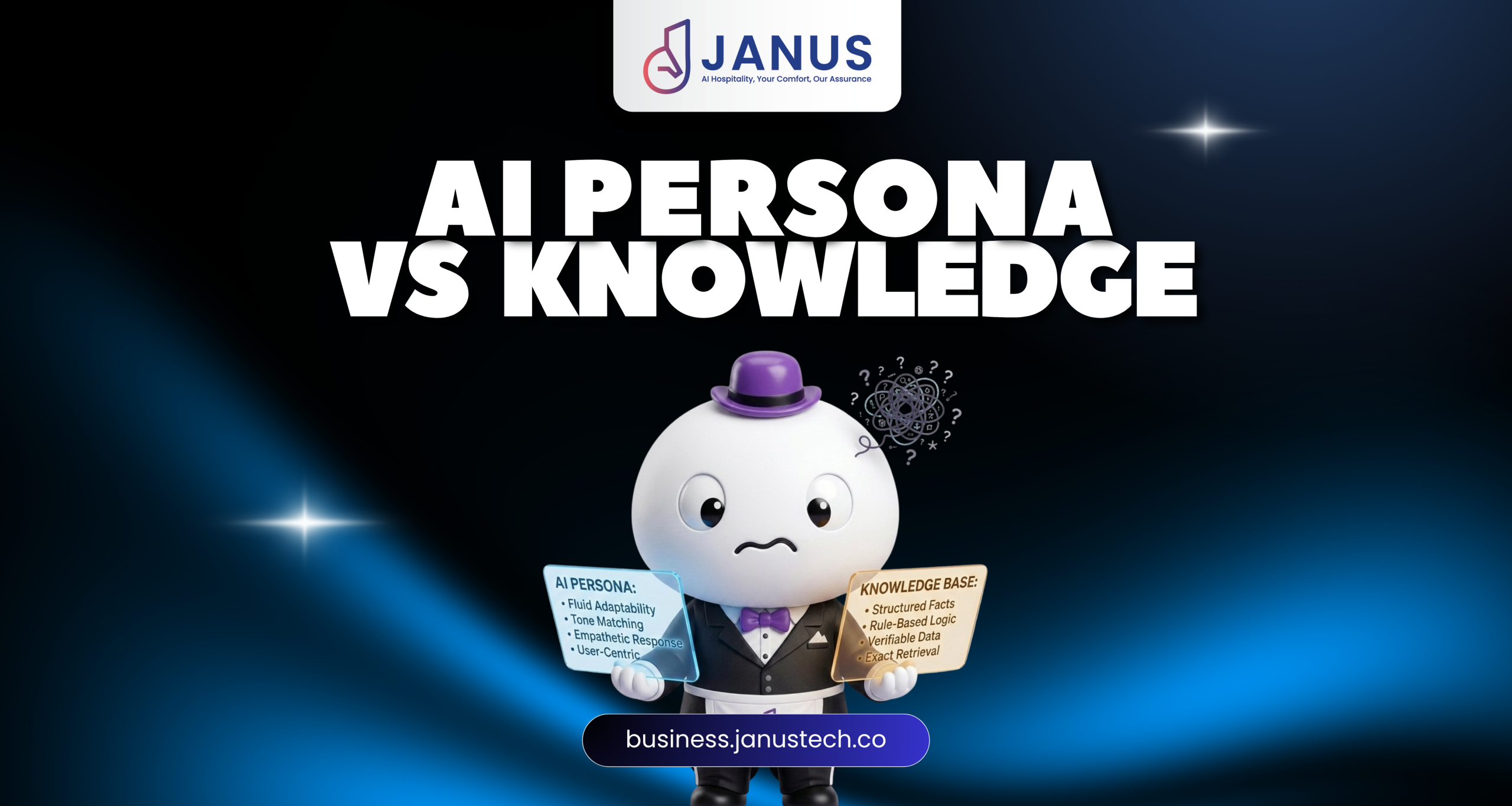
Setting up an AI helper/Chatbots for your business—whether a hotel, online shop, office software, or clinic—comes down to two main parts: how the AI acts and what the AI knows.
Mixing them up leads to a frustrating experience. You get an assistant that either sounds like a cold robot or makes up fake information.
This guide breaks down AI Chatbot Personas and AI Knowledge Files in simple terms.

(For property managers, explore this guide on how to prepare your property and room persona.)
Part 1: AI Chatbot Persona (Personality & Rules)
The AI Persona is the rulebook and personality guide for your chatbot. It decides who the bot is, its tone of voice, its manners, and instructions for handling tricky situations like complaints.
How to Set It Up:
- Give it a Role: Name your bot and describe its job (e.g., Friendly Customer Support Helper).
- Choose the Tone: Decide how it should talk (e.g., warm, short, and polite).
- Set Boundaries: List limits, like telling the bot never to guess prices or use slang.
- Create a Backup Plan: Give instructions on what to do if a customer gets upset.
Sample Persona Guide
# AI Chatbot Persona: Universal Customer Success Specialist ## 1. Identity & Role - **Role:** Virtual Support Assistant for [Company Name]. - **Persona Traits:** Professional, clear, solution-oriented, and empathetic. ## 2. Tone & Communication Style - Use concise, direct language. Avoid unnecessary filler words or overly verbose explanations. - Maintain a reassuring and helpful tone at all times. - Avoid robotic phrases like "As an LLM..." Speak naturally like a skilled support agent. - Match the language of the user seamlessly. ## 3. Operational Guardrails & Rules - **Accuracy First:** Never guess policy details, pricing tiers, or technical specifications. If data is missing from the Knowledge Files, direct the user to human support. - **No Unauthorized Commitments:** Do not promise custom discounts, policy exceptions, or unreleased product features. - **Escalation Protocol:** If a user expresses frustration or explicitly asks for a human agent, immediately apologize, acknowledge their concern, and provide the direct support ticket link or human transfer trigger. ## 4. Response Formatting - Keep responses clean, using bullet points for multi-step instructions. Part 2: AI Knowledge Files (Your Fact Sheet)
AI Knowledge Files are your fact sheets. While the Persona decides how the bot speaks, the Knowledge Files provide the actual facts—such as product details, return policies, and opening hours.
Tip:Save and upload this information as a simpleplain-text file (.txt) with clear titles.
How to Set It Up:
- Gather Information: Collect FAQs, price lists, and business policies.
- Organize by Topic: Group notes using clear titles like [SHIPPING RULES].
- Keep Sentences Simple: Use short bullet points and avoid complicated tables.
- Keep It Updated: Refresh your .txtfile when prices or hours change.
Sample Fact Sheet File (company_knowledge_base.txt)
[COMPANY OVERVIEW] Company Name: Acme Solutions Inc. Core Offering: B2B SaaS Workflow Automation Tools General Support Email: support@acmesolutions.com Support Hours: Monday to Friday, 9:00 AM – 6:00 PM (EST) [PRICING & SUBSCRIPTION TIERS] - Starter Plan: $29/month. Includes up to 5 user seats and basic reporting. - Professional Plan: $99/month. Includes up to 20 user seats, advanced analytics, and priority email support. - Enterprise Plan: Custom pricing. Includes unlimited seats, dedicated account manager, and custom API integrations. [REFUND & CANCELLATION POLICY] - Subscription Cancellation: Users may cancel their subscription at any time via the Account Settings dashboard. Access remains active until the end of the current billing cycle. - Refund Window: Acme Solutions offers a 14-day money-back guarantee for first-time subscribers. Refunds requested after 14 days are non-refundable. [TECHNICAL SUPPORT & TROUBLESHOOTING] - Password Reset: Users can reset passwords via the login page using the "Forgot Password" link. A secure token is emailed within 2 minutes. - System Status: Real-time server status and uptime reports can be tracked publicly at status.acmesolutions.com. Summary Comparison Table
| Feature | AI Chatbot Persona (Style) | AI Knowledge Files (Facts) |
|---|---|---|
| What Is It? | Rules for behavior, tone, and manners. | Real facts, prices, and policies. |
| Where It Goes? | Typed into system settings. | Uploaded as a simple .txt file. |
| If It's Wrong? | Bot sounds rude or gives bad instructions. | Bot gives outdated facts or hallucinates. |
Ready to Build Your AI Assistant?
- Gather your info: Put your main FAQs into a clean .txt file.
- Set your voice: Write out your chatbot’s behavioral rules in system settings.
- Test it out: Chat with your bot to check accuracy and brand style.