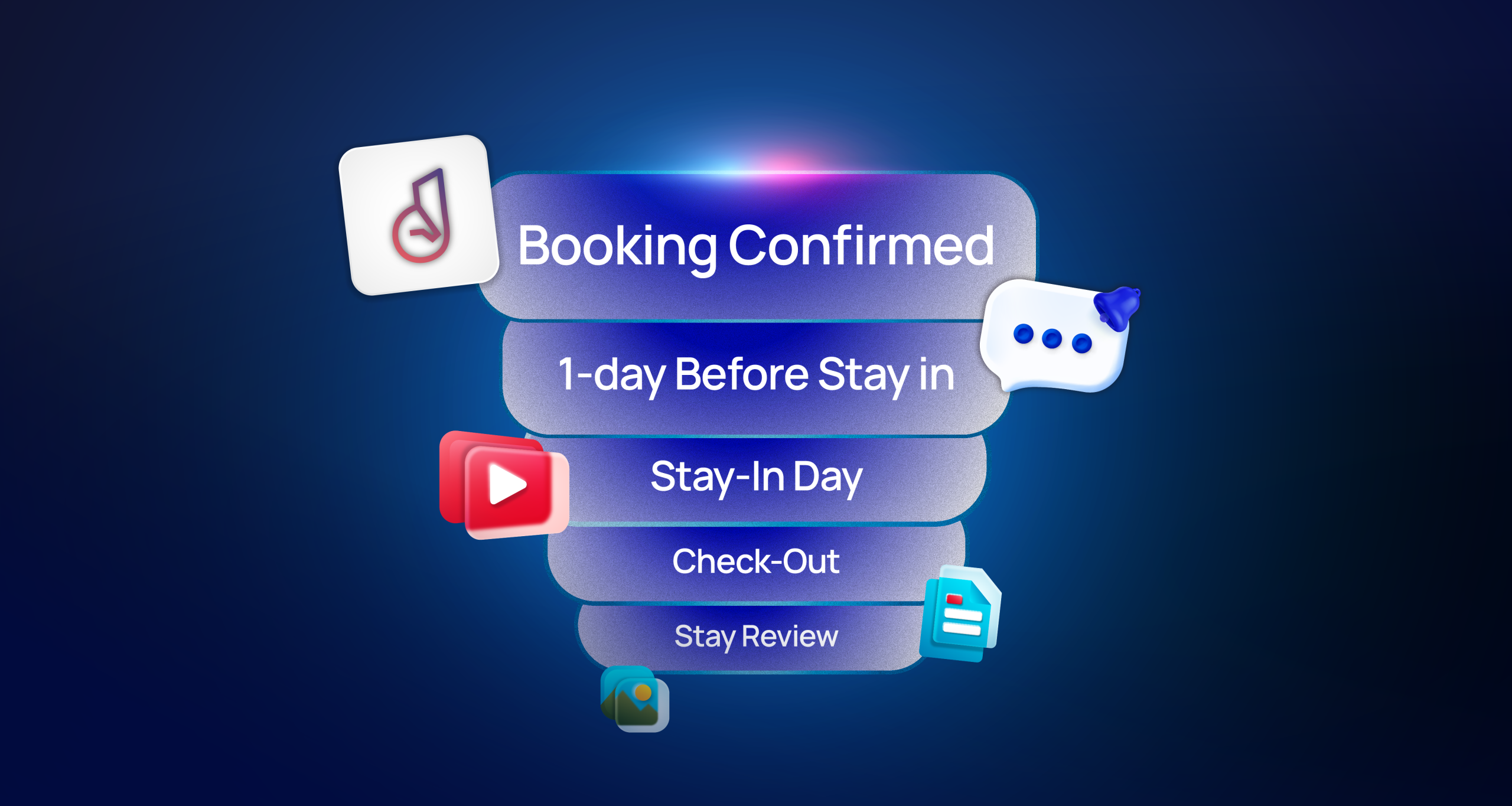
This guide will help you, as a property host, create, schedule, and send messages that give your guests important information.
As a host, scheduling messages helps you automate communication, keep your guests informed, and reduce repetitive work. Here’s how to prepare your message from start to finish:
Step 1: Decide the Purpose of Your Message
Ask yourself:
- What does my guest need to know?
- Is this information essential for their stay?
- Will this help them prepare or take action?
Examples of purposes:
- Booking confirmation
- Pre-arrival instructions
- Check-in/check-out reminders
- Payment reminders
- House rules
Step 2: Choose the Message Type
Select the type of message that fits the guest’s stage in their journey:
| Stage | Message Type | Example |
| Booking | Booking confirmation | “Your stay at [Property Name] is confirmed for [Dates].” |
| Pre-arrival | Getting ready / Pre-arrival reminder | “Check-in from 3 PM. Door code: [Code]. Please bring your ID.” |
| Check-in | Check-in instructions | “Your room [Number] is ready. Follow the signs to reception.” |
| Payment | Payment reminder | “Your payment of [Amount] is due on [Date].” |
| During stay | House rules / Facility info | “Pool is open from 8 AM – 8 PM. Please wear proper attire.” |
Step 3: Draft Your Message Content
Follow these rules for messages:
- Keep it short and clear – guests should understand it at a glance.
- Include essential details – name, booking ID, dates, codes, times.
- Personalize – use the guest’s name, room/unit, or booking info.
Step 4: Decide When to Send
Schedule the message so it arrives when the information is most useful:
| Message Type | Send Time |
| Booking confirmation | Immediately after booking |
| Pre-arrival reminder | 24–48 hours before arrival |
| Check-in instructions | 1–2 hours before arrival |
| Payment reminder | 3–7 days before due date |
| House rules | At booking confirmation |
Note: refer to Message Template Scheduler
If you are connecting to WhatsApp Cloud API here is what you should avoid to be categories in MARKETING category (… psst, is expensive to send just a reminder as marketing template…)
To keep messages UTILITY-approved:
✅ No discounts, promotions, or special offers
✅ No sales calls or purchase requests
✅ Use only essential images (maps, QR codes, floor plans)
✅ Keep tone professional, clear, and informative
✅ Links only for guest convenience (house rules, directions)
1. Avoid Promotional Language
- Do not include discounts, special offers, or upsells.
- Do not advertise other properties, services, or products.
- Do not use phrases like “Book now,” “Limited time offer,” “Check out our deals.”
Example to avoid:
“Enjoy 20% off spa services during your stay! Book now!”
Keep it UTILITY instead:
“Your check-in is confirmed for 3 PM. Door code: 1234. Please bring your ID.”
2. Avoid Calls-to-Action for Purchases
- UTILITY messages inform, they do not push guests to buy anything.
- Buttons or links should only support the guest’s stay (e.g., “Contact Host” or “Confirm Check-In”).
Example to avoid:
- “Click here to upgrade to a deluxe room.”
- “Visit our restaurant menu and order now.”
Safe UTILITY button:
- “Confirm Check-In”
- “Contact Host”
3. Avoid Excessive Branding or Marketing Images
- Do not include images that promote services (e.g., hotel restaurants, spa, gift shop).
- Avoid logos or banners that appear promotional.
- Stick to essential images only (e.g., floor plans, QR codes, maps).
4. Avoid Overly Promotional Wording
- Keep the tone informative and professional.
- Avoid excitement or “salesy” language like “amazing,” “exclusive,” or “don’t miss out.”
Example to avoid:
“You don’t want to miss our amazing rooftop pool experience!”
Safe UTILITY wording:
“Pool hours: 8 AM – 8 PM. Please wear appropriate attire.”
5. Avoid Multiple Links to External Offers
- UTILITY messages should not redirect guests to commercial sites.
- Only include links for functional purposes, like house rules or maps.
💡 Side Note: The “Avoid” tips aren’t 100% foolproof—think of them as friendly guide rails. Some trial and error is still needed, because Meta hasn’t published a formal flow or reference guide. Consider this your cheat sheet, not the rulebook!